πŸ‘‹ Undress

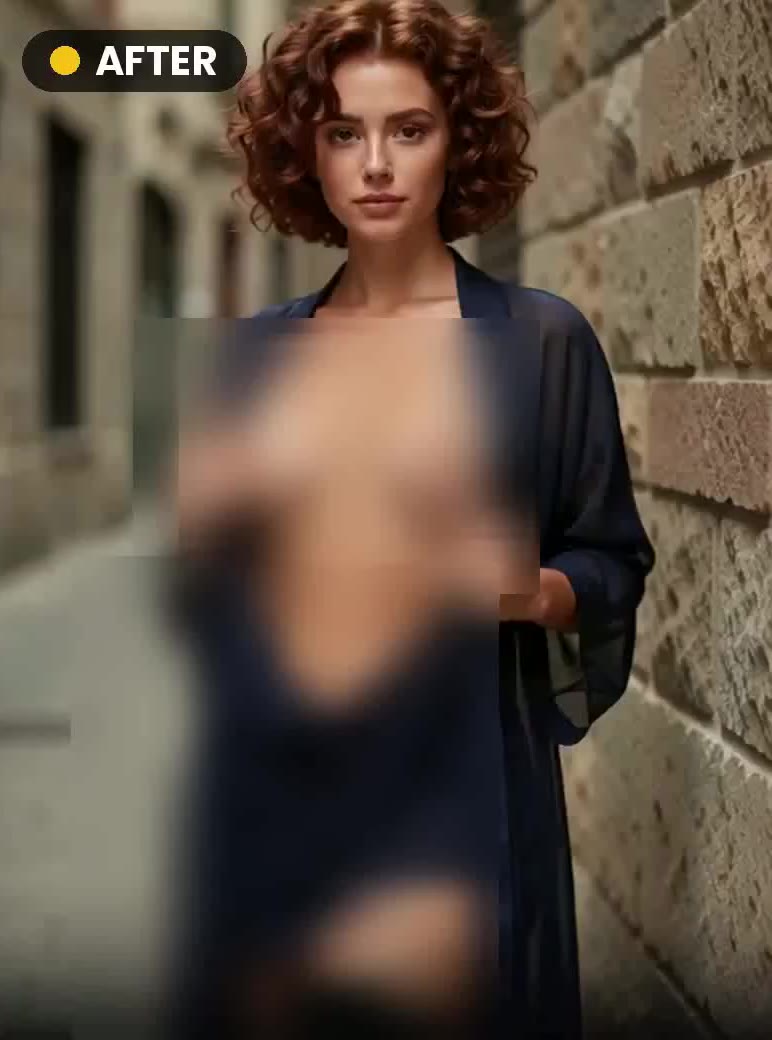
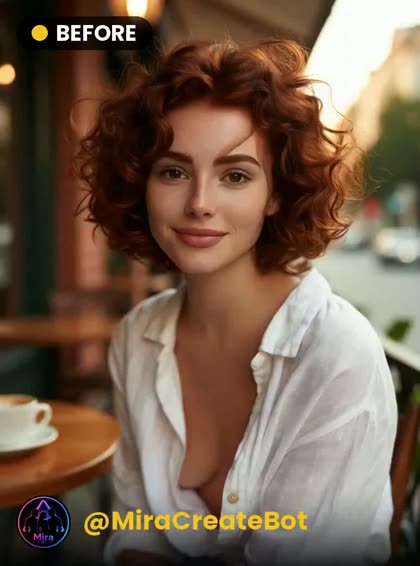
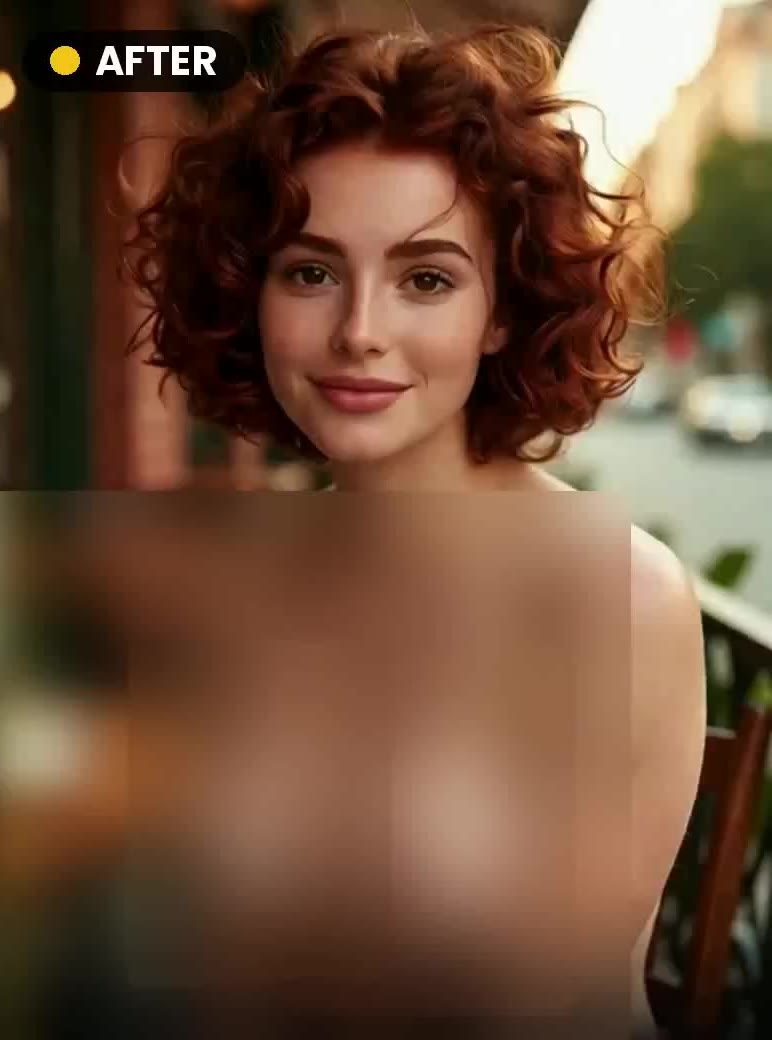
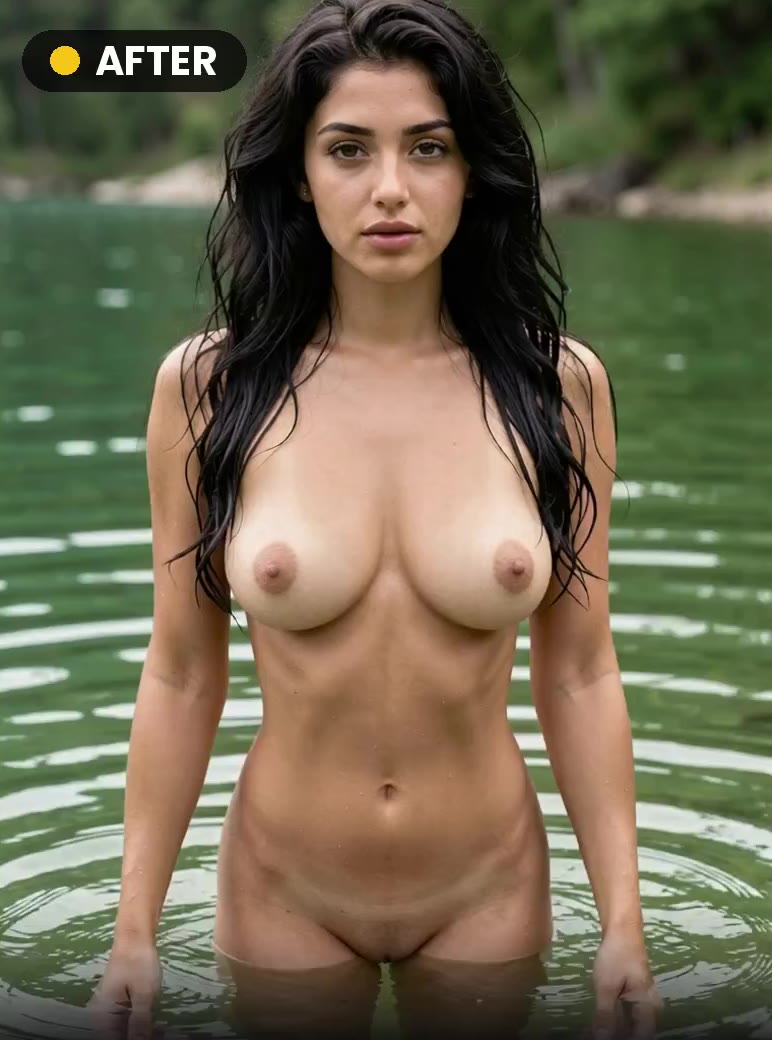
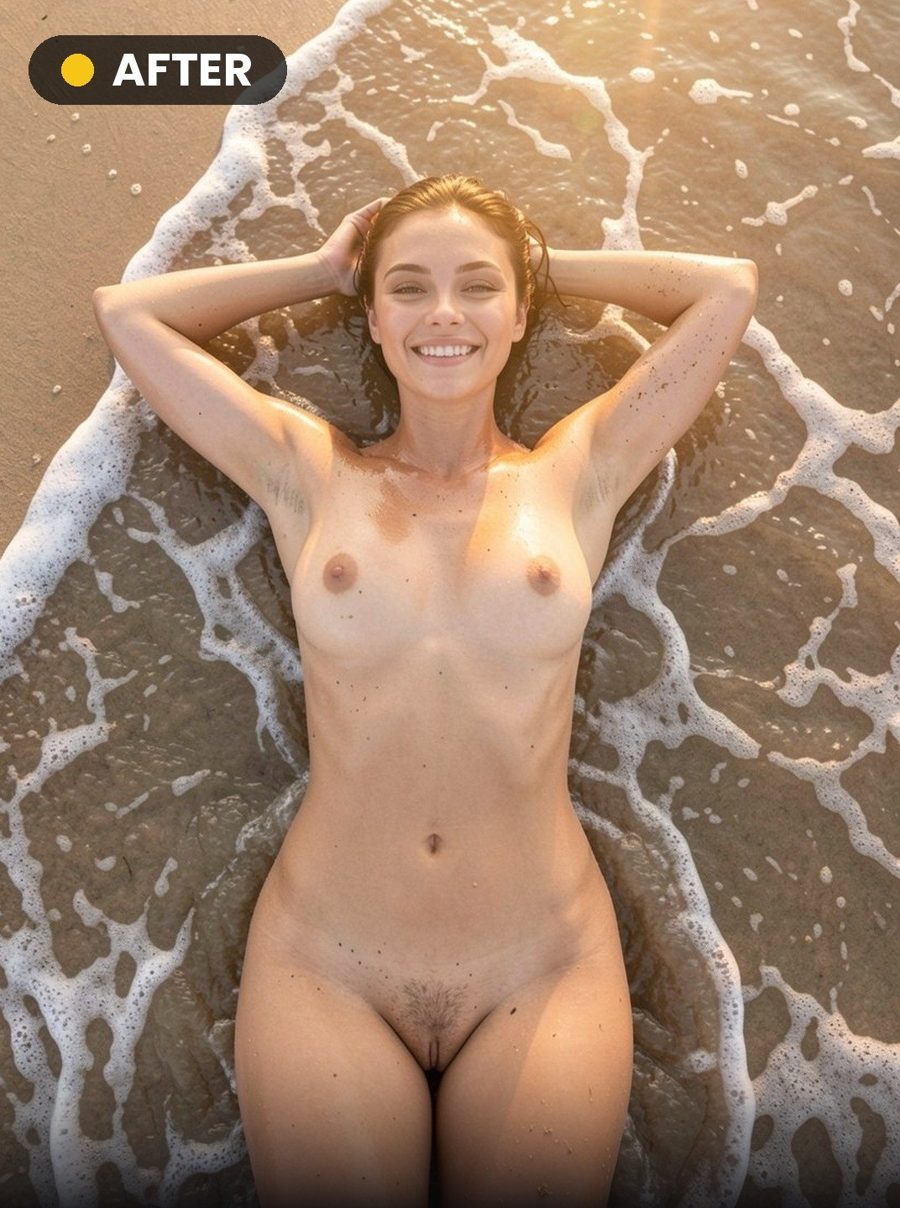
The Undress category holds 16 ready-made styles: 16 create photos and 14 create video. Every style page shows the example output next to the input photo it was made from, so you can upload your own photo and get the same result in seconds.
Undress β€” example output created with AIUndress β€” the input photo used for the exampleINPUTπŸ“· 100🎬 5s
❀️‍πŸ”₯ Undress
Shower β€” example output created with AIShower β€” the input photo used for the exampleINPUTπŸ“· 100🎬 5s
πŸ’¦ Shower
Morning β€” example output created with AIMorning β€” the input photo used for the exampleINPUTπŸ“· 100🎬 5s
😎 Morning
Mirror β€” example output created with AIMirror β€” the input photo used for the exampleINPUTπŸ“· 100🎬 5s
πŸͺž Mirror
Leather β€” example output created with AILeather β€” the input photo used for the exampleINPUTπŸ“· 100🎬 5s
πŸ–€ Leather
Cleavage β€” example output created with AICleavage β€” the input photo used for the exampleINPUTπŸ“· 100🎬 5s
πŸ’ƒ Cleavage
Big β€” example output created with AIBig β€” the input photo used for the exampleINPUTπŸ“· 100🎬 5s
πŸ’ Big
Beach β€” example output created with AIBeach β€” the input photo used for the exampleINPUTπŸ“· 100🎬 5s
πŸ– Beach
Close β€” example output created with AIClose β€” the input photo used for the exampleINPUTπŸ“· 100🎬 5s
πŸ”Ž Close
Pool β€” example output created with AIPool β€” the input photo used for the exampleINPUTπŸ“· 100🎬 5s
↔️ Pool
Float β€” example output created with AIFloat β€” the input photo used for the exampleINPUTπŸ“· 100
πŸ˜‡ Float
Lake β€” example output created with AILake β€” the input photo used for the exampleINPUTπŸ“· 100🎬 5s
❀️‍πŸ”₯ Lake
Beach β€” example output created with AIBeach β€” the input photo used for the exampleINPUTπŸ“· 100🎬 5s
πŸ– Beach
Shy β€” example output created with AIShy β€” the input photo used for the exampleINPUTπŸ“· 100🎬 5s
πŸ“Έ Shy
Dress β€” example output created with AIDress β€” the input photo used for the exampleINPUTπŸ“· 100🎬 5s
πŸ’ƒ Dress
Corridor β€” example output created with AICorridor β€” the input photo used for the exampleINPUTπŸ“· 100
😞 Corridor

Log in with Telegram

Log in with your Telegram account β€” your balance and history connect to the site. Tap the button below, then confirm the login in the chat.

Open Telegram and confirm
or
Continue with Google