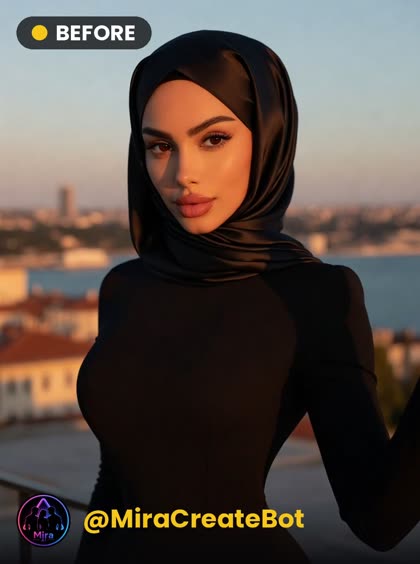
 INPUT
INPUT🖐 Rough Touch
A hand rises from below and caresses her cheek, then a sudden slap turns her head aside before she looks back and laughs. A clear close-up photo works best.
✨ Create on Web
JPG / PNG · up to 20MB · clear-face photos give the best results
⚠️ Upload only your own photo, or a photo of an adult (18+) who gave clear consent.
Generation uses credits; if it fails your credits are refunded automatically. Videos can take a few minutes — keep the page open.
How it works
- Pick and upload a photo where your face is clearly visible.
- Choose the Rough Touch style — the credit cost is shown on screen.
- Hit Create; the result opens on this page and can be downloaded.
At a glance
| Category | Couple |
|---|---|
| Photo | none |
| Video | 5 s 500 credits, 8 s 1200 credits |
| Resolution | 480p, 720p |
| Input file | JPG or PNG · 20 MB max |
Frequently asked questions
What can I create with Rough Touch?
This style creates video only. Video lengths: 5 s, 8 s; resolution 480p, 720p.
What kind of photo should I upload?
A single-person photo with a clear, well-lit face gives the best result. Blurry shots, distant framing or a covered face reduce the likeness.
How many credits does it cost?
Video: 5 s 500 credits, 8 s 1200 credits. Credits never expire — what you buy stays in your balance.
What happens to my credits if a creation fails?
Your credits are refunded automatically; failed creations are not charged.
How long are my creations kept?
Your creations stay in your account for 7 days and are then deleted. Just download the ones you want to keep.
Whose photo am I allowed to upload?
Upload only your own photo, or a photo of an adult (18+) who gave clear consent.

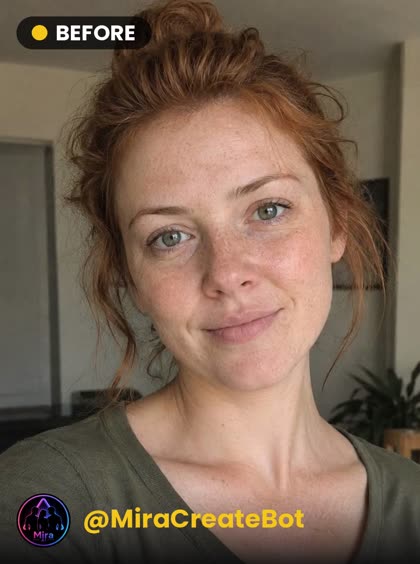 INPUT
INPUT
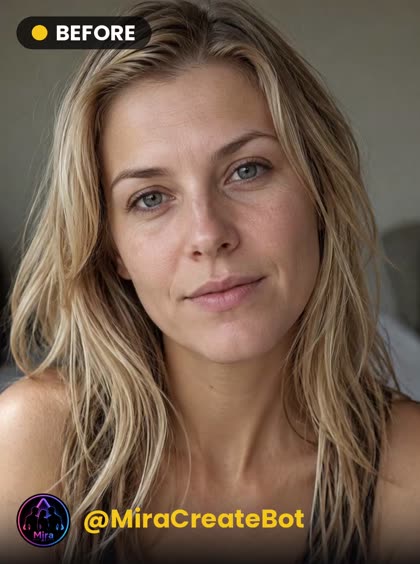 INPUT
INPUT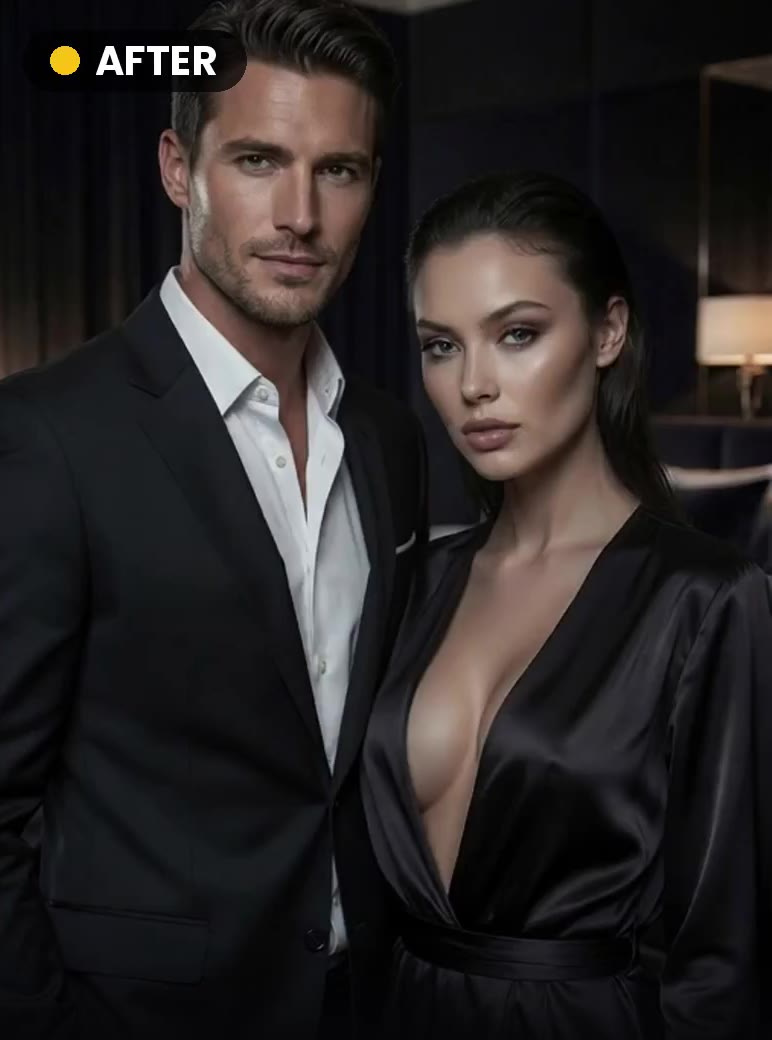
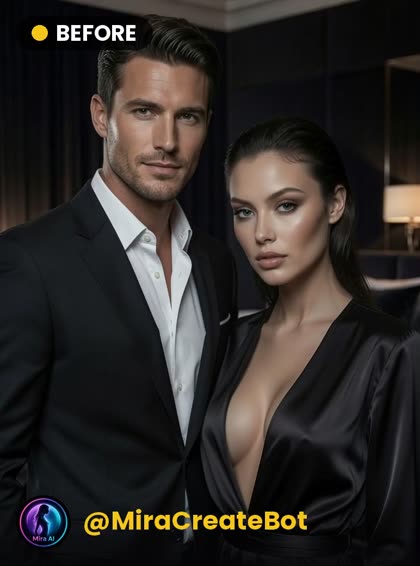 INPUT
INPUT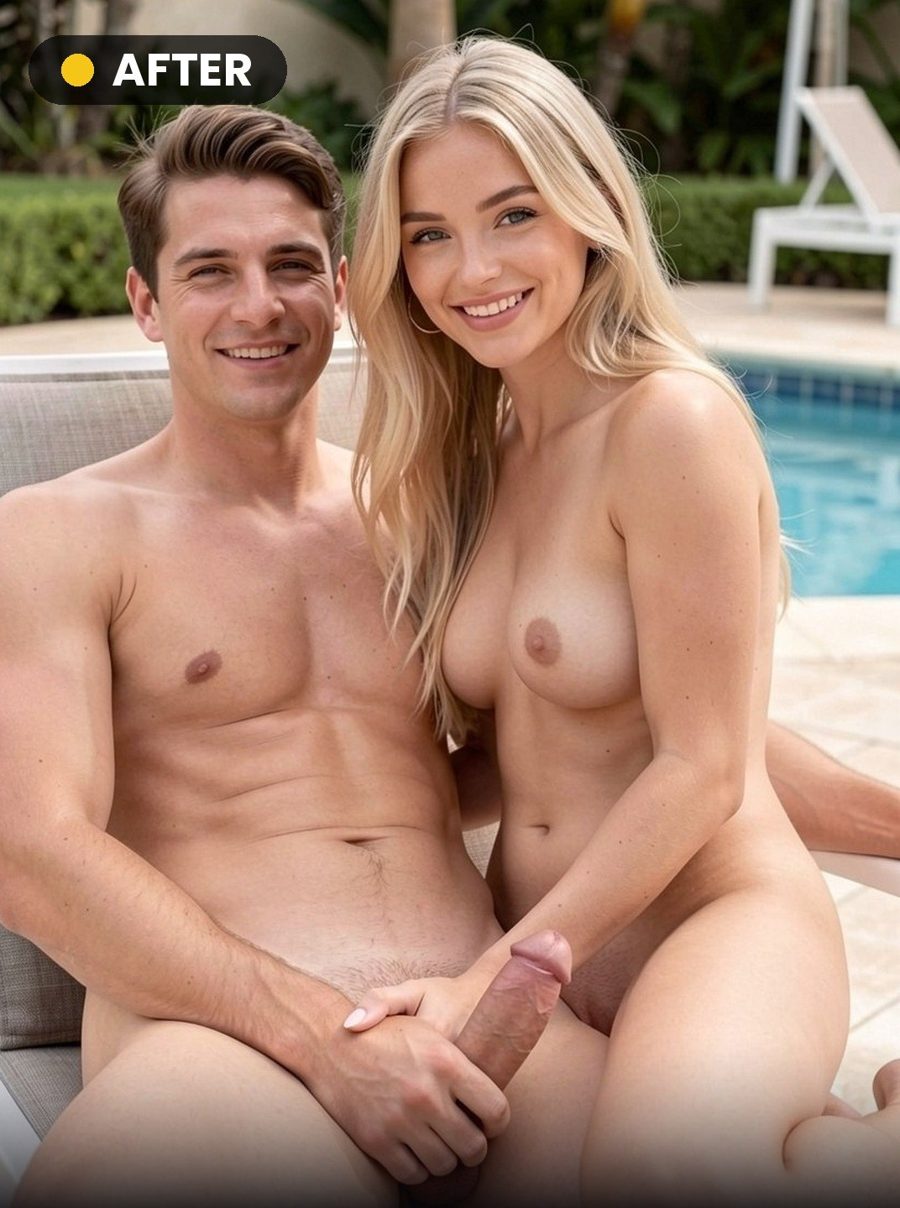
 INPUT
INPUT
 INPUT
INPUT