👅 Expressions
The Expressions category holds 6 ready-made styles: 0 create photos and 6 create video. Every style page shows the example output next to the input photo it was made from, so you can upload your own photo and get the same result in seconds.
The Expressions category covers AI ahegao and other expressive faces: 6 styles that change the expression while keeping the person in your photo recognisable.
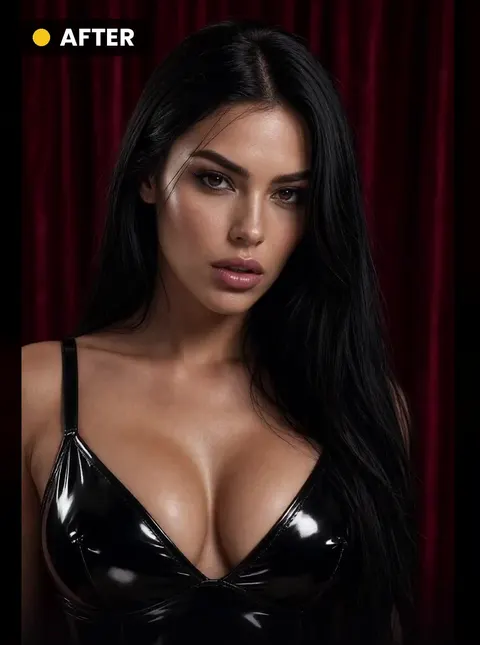
 INPUTTry this style🎬 5s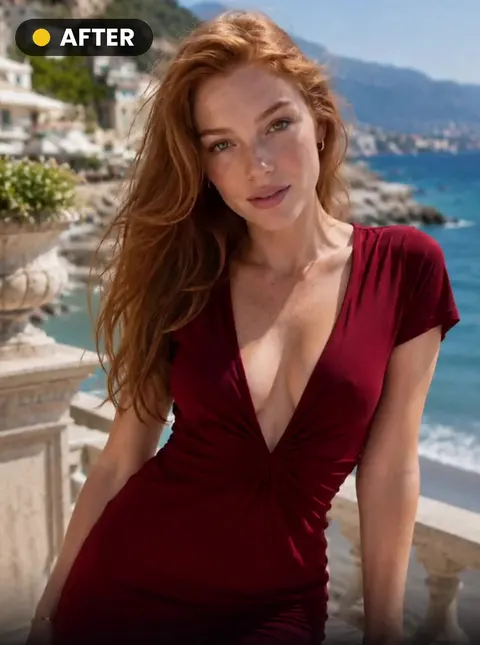
 INPUTTry this style🎬 5s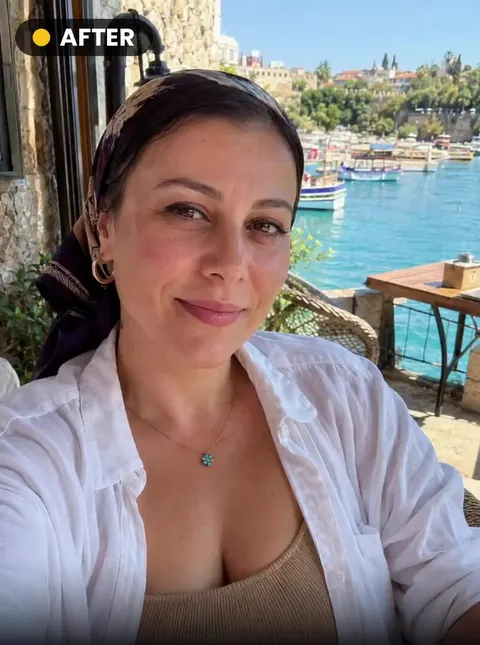
 INPUTTry this style🎬 5s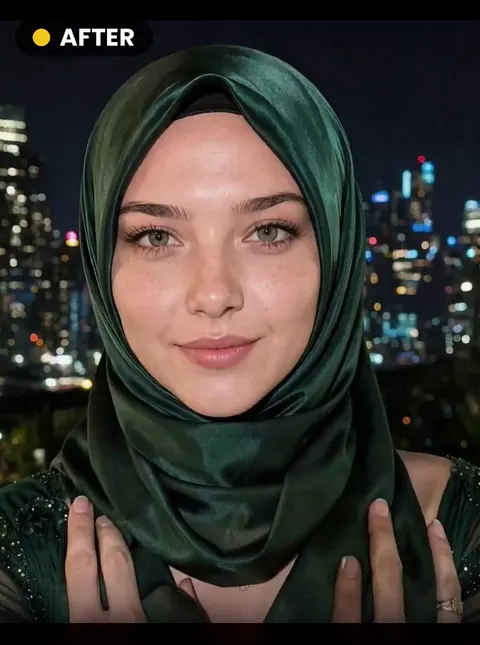
 INPUTTry this style🎬 5s
 INPUTTry this style🎬 5s
 INPUTTry this style🎬 5s
AI ahegao and expressions from a single photo
These 6 styles work on the face: eyes rolled back in ahegao, tongue out or reaching, lips parted, a kneeling pose or a peak-moment look. The AI keeps the face shape, hair and skin tone from your photo and animates only the expression and pose.
Because the face is the whole scene here, a sharp, front-facing close-up gives the best result. All styles run as short videos; each style page shows an example and the credit cost, and failed attempts are refunded automatically.
Frequently asked questions
What is an AI ahegao?
An exaggerated pleasure face — eyes rolled up, tongue out — generated from a normal photo. The Expressions category has several variations.
Which photo works best?
A sharp, front-facing close-up of one adult in even light.