💃 Trio
The Trio category holds 38 ready-made styles: 33 create photos and 34 create video. Every style page shows the example output next to the input photo it was made from, so you can upload your own photo and get the same result in seconds.
The Trio category is our AI threesome generator: 38 styles where both partners are generated around one clear photo.
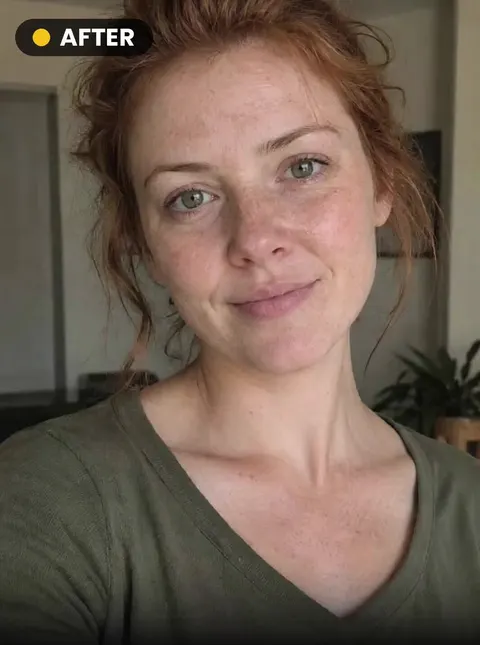
 INPUTTry this style🔁 142📷 100🎬 5s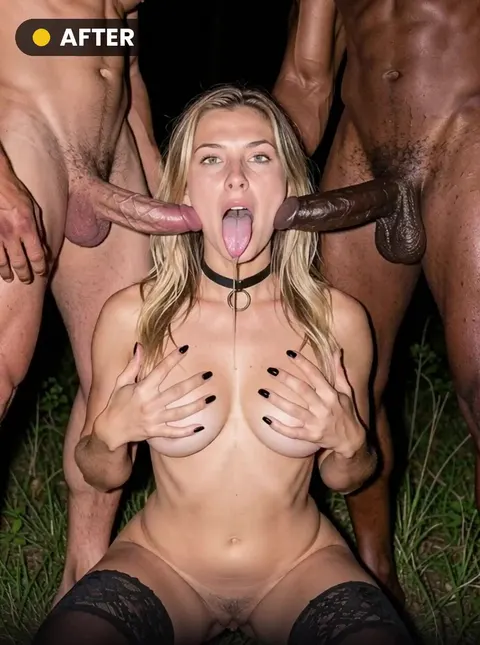
 INPUTTry this style🔁 60📷 100🎬 5s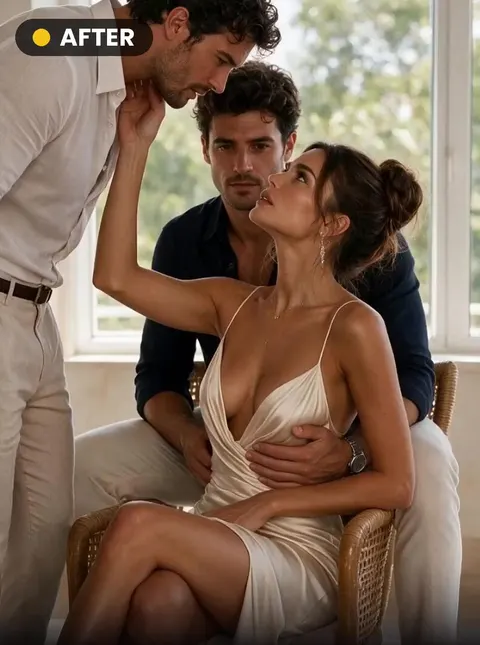
 INPUTTry this style📷 100🎬 5s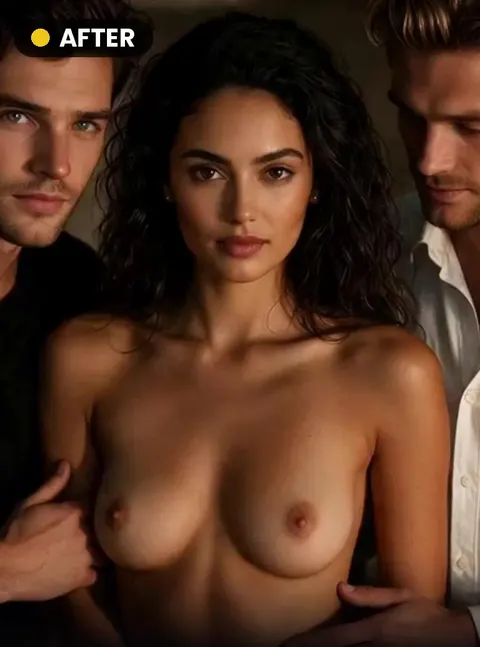
 INPUTTry this style🔁 83📷 100🎬 5s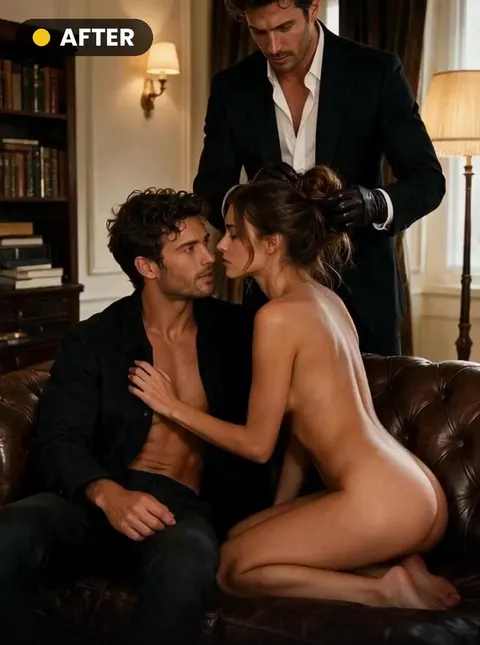
 INPUTTry this style📷 100🎬 5s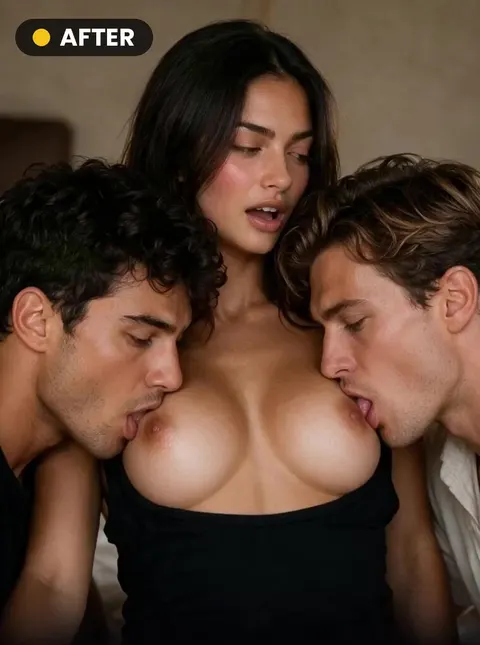
 INPUTTry this style📷 100🎬 5s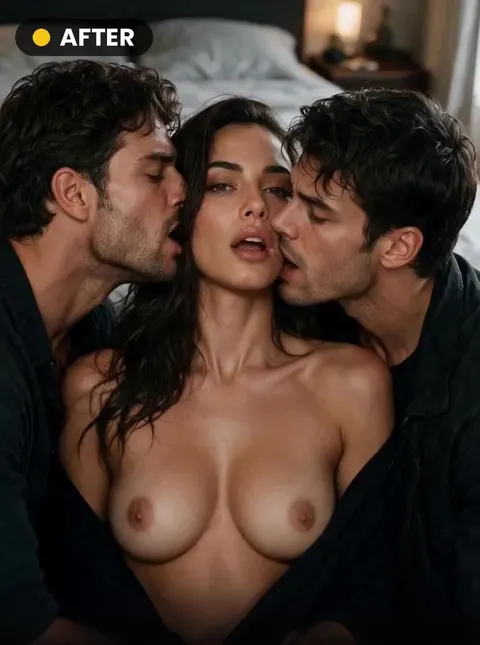
 INPUTTry this style📷 100🎬 5s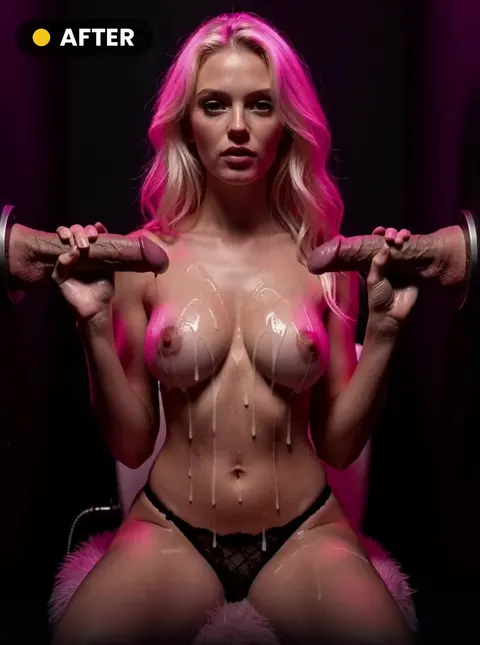
 INPUTTry this style📷 100🎬 5s
 INPUTTry this style🔁 230📷 100🎬 5s
 INPUTTry this style🔁 192📷 100🎬 5s
 INPUTTry this style📷 100🎬 5s
 INPUTTry this style🔁 62📷 100🎬 5s
 INPUTTry this style🔁 100📷 100🎬 5s
 INPUTTry this style📷 100🎬 5s
 INPUTTry this style🔁 65📷 100🎬 5s
 INPUTTry this style🔁 74📷 100🎬 5s
 INPUTTry this style📷 100🎬 5s
 INPUTTry this style📷 100🎬 5s
 INPUTTry this style📷 100🎬 5s
 INPUTTry this style📷 100🎬 5s
 INPUTTry this style🔁 54📷 100🎬 5s
 INPUTTry this style🔁 61📷 100
 INPUTTry this style🎬 5s
 INPUTTry this style🔥🔁 63📷 100🎬 5s
 INPUTTry this style🎬 5s
 INPUTTry this style🎬 5s
 INPUTTry this style🎬 5s
 INPUTTry this style📷 100🎬 5s
 INPUTTry this style🔥📷 100🎬 5s
 INPUTTry this style📷 100🎬 5s
 INPUTTry this style📷 100🎬 5s
 INPUTTry this style📷 100🎬 5s
 INPUTTry this style📷 100🎬 5s
 INPUTTry this style🎬 5s
 INPUTTry this style🔥📷 100🎬 5s
 INPUTTry this style📷 100
 INPUTTry this style📷 100
 INPUTTry this style📷 100
AI threesome scenes from a single photo
These 38 styles build a trio around your photo: two men or two women, taking turns or together, from both sides, POV or wide, in a jacuzzi, a mansion or on a leather couch. Face, hair, skin tone and body shape come from your picture; both partners, the motion and the setting are generated.
Each style page shows an example next to the photo it was made from, the credit cost and whether the style runs as a photo, a video or both. Failed attempts are refunded automatically.
Frequently asked questions
Do I need photos of the other two people?
No. One photo of one adult is enough; both partners are generated by the AI.
Can I make an AI threesome video?
Yes, where the style supports video: switch to Video on the style page and pick a length. The cost is shown before you confirm.