👋 Undress

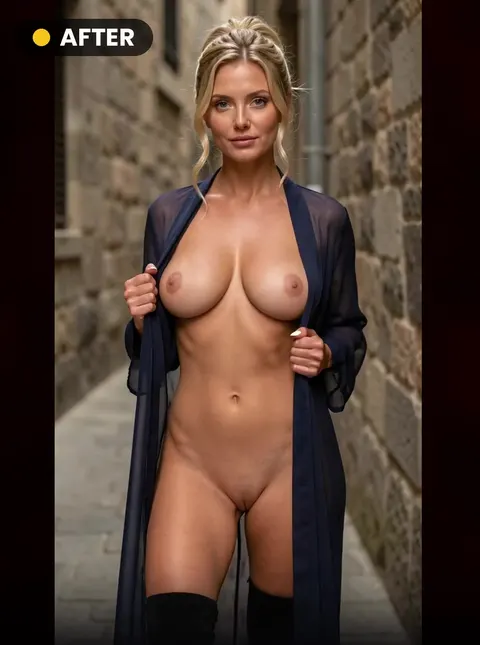
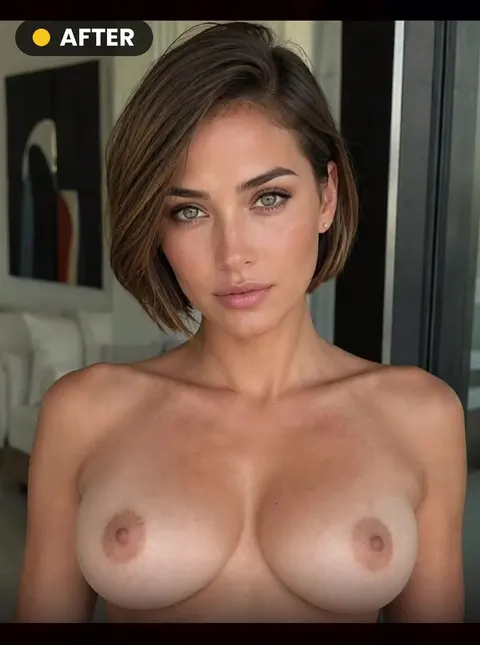
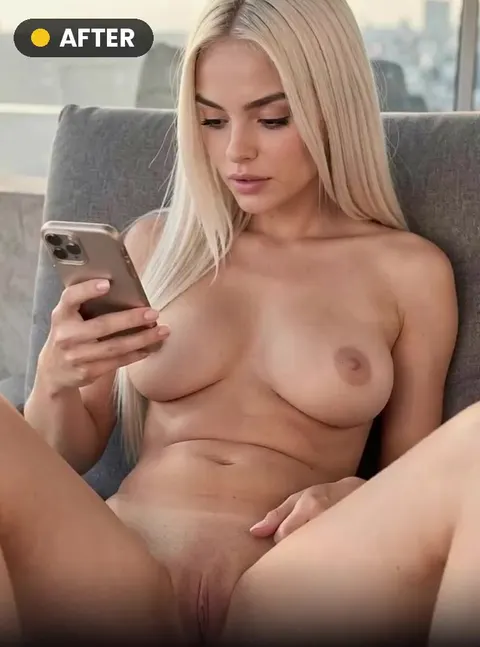
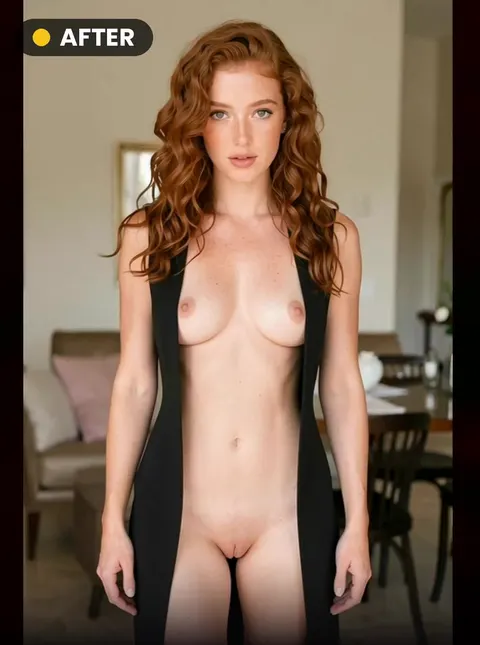
The Undress category holds 34 ready-made styles: 33 create photos and 32 create video. Every style page shows the example output next to the input photo it was made from, so you can upload your own photo and get the same result in seconds.

The Undress category is our AI undress generator: 34 styles that all work from one photo, keeping the face, pose and background while the clothing changes.
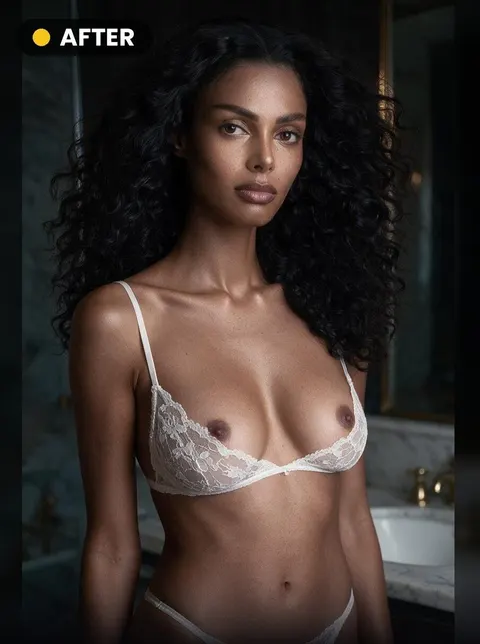
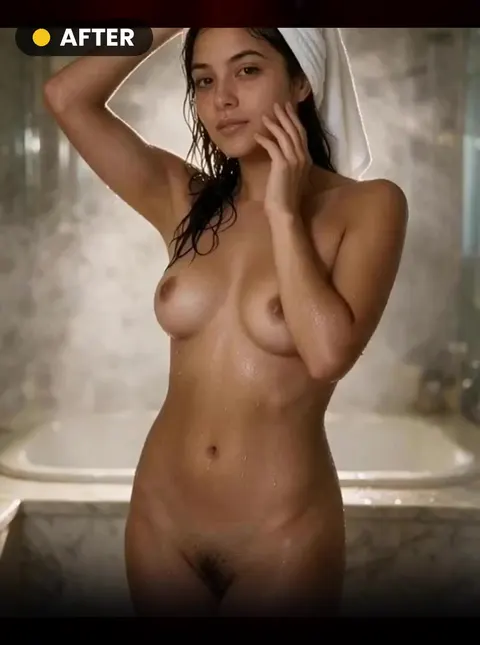
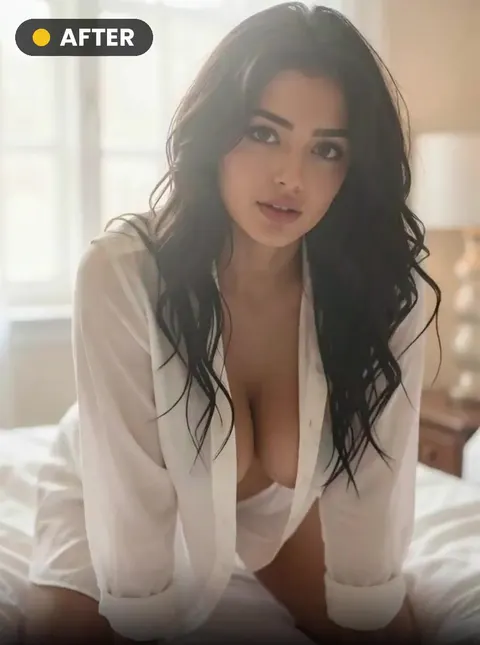
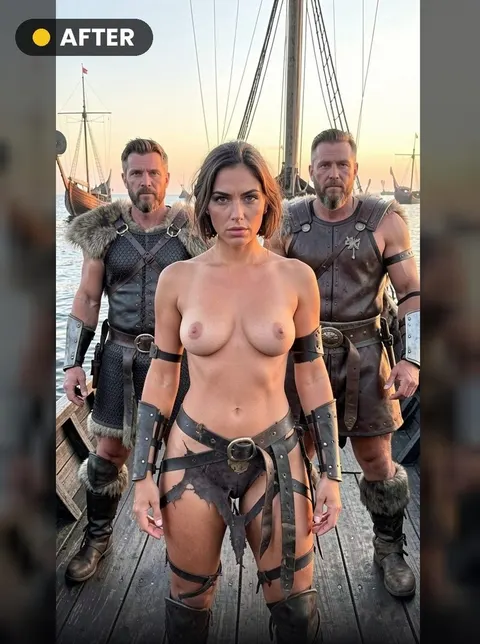
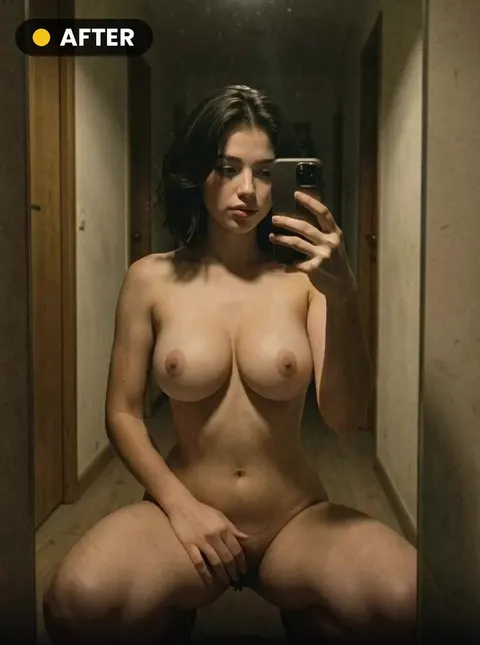
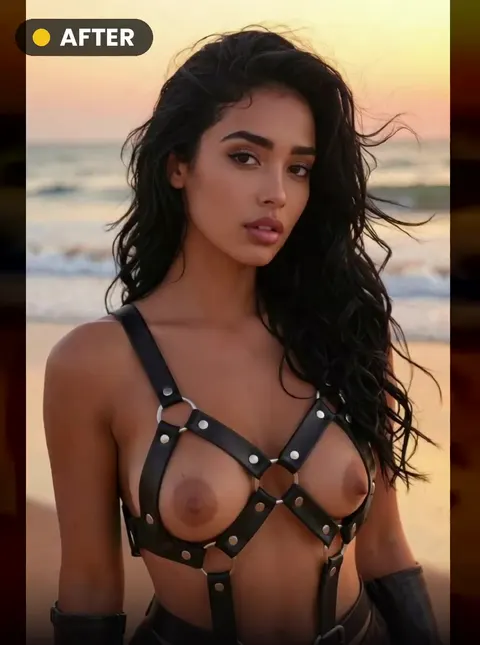
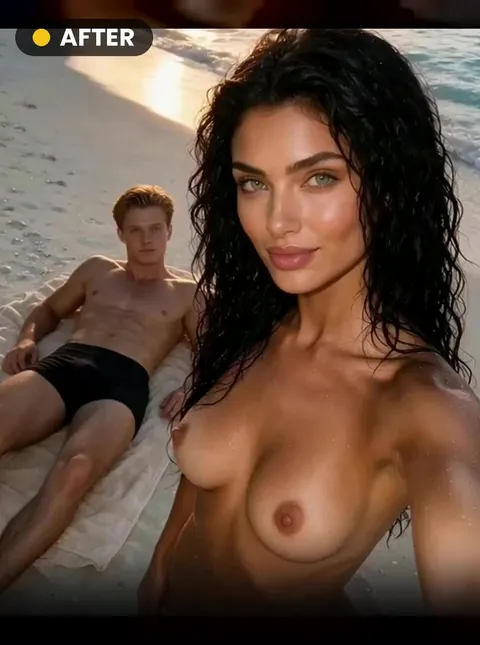
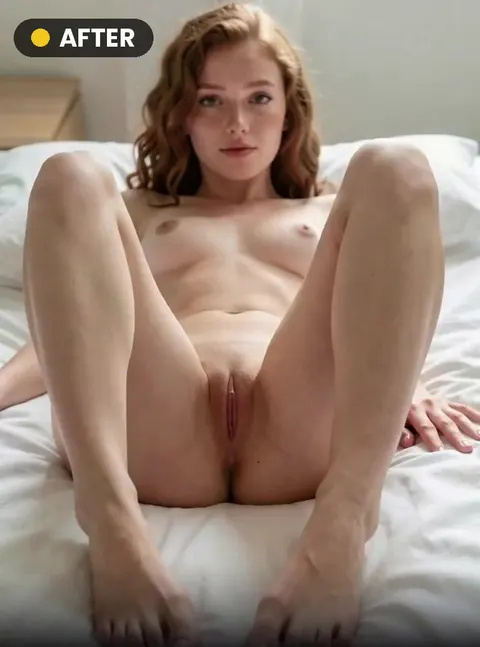
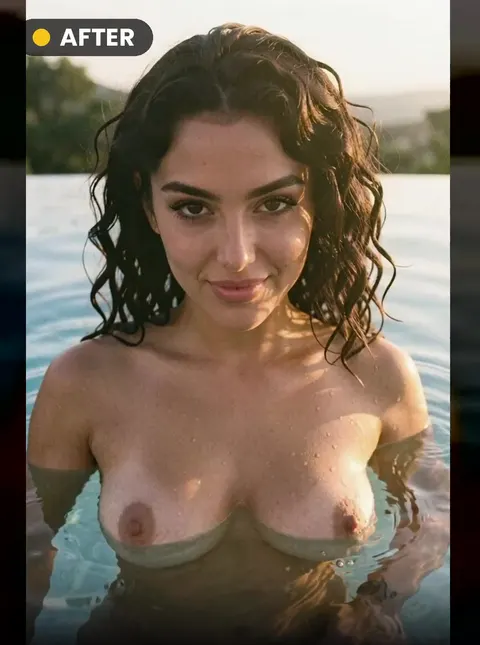
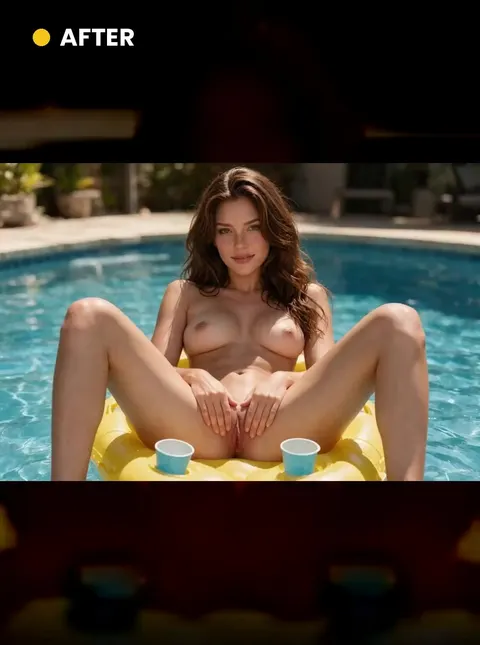
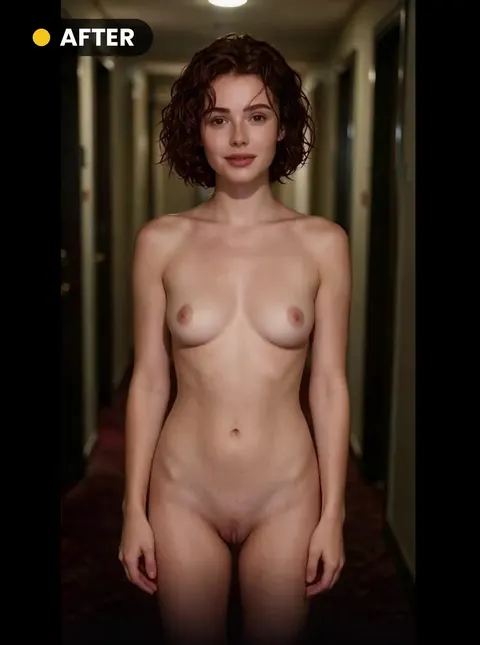
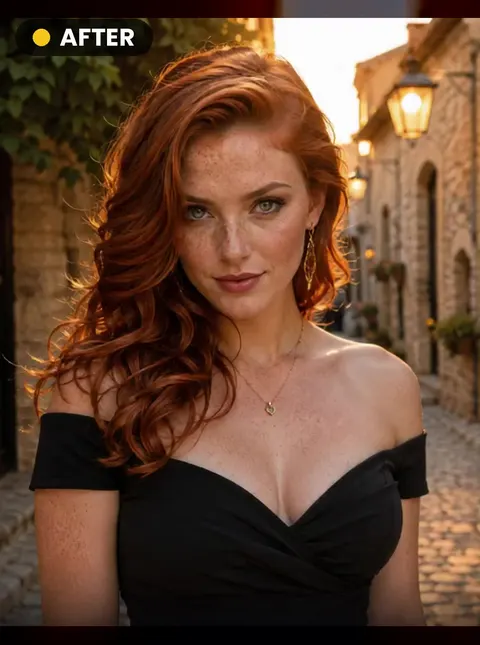
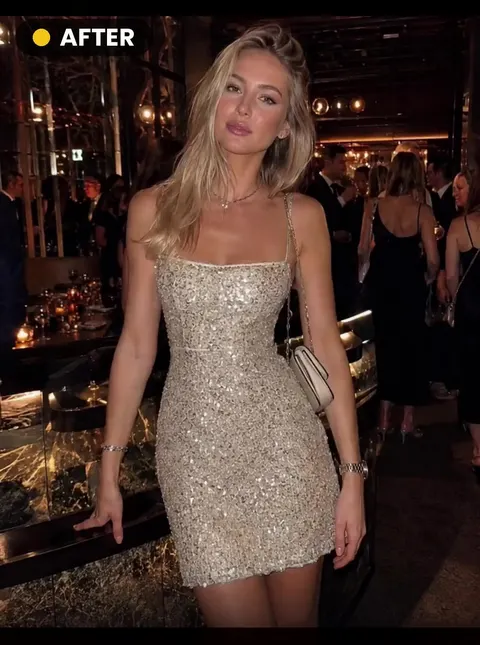
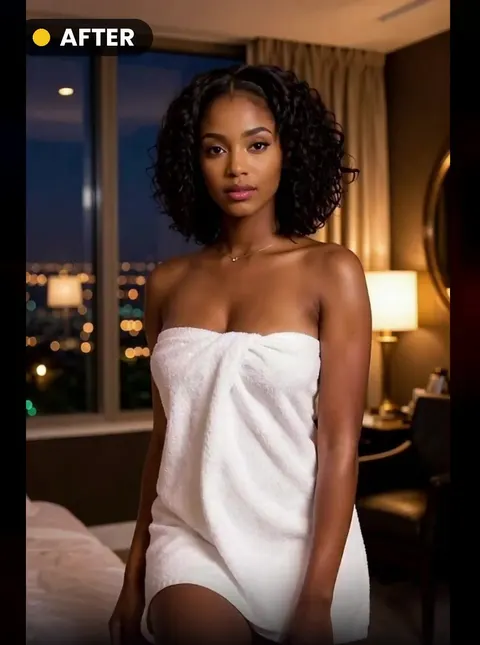
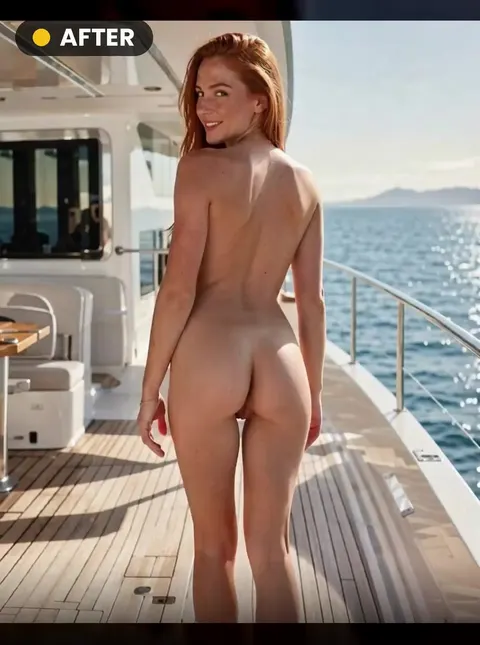
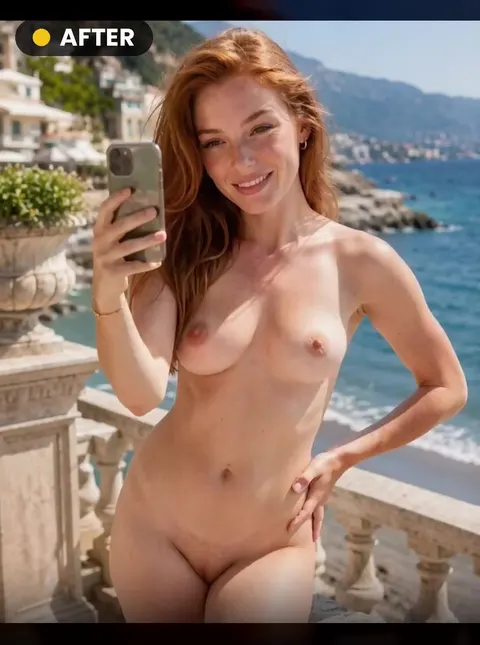
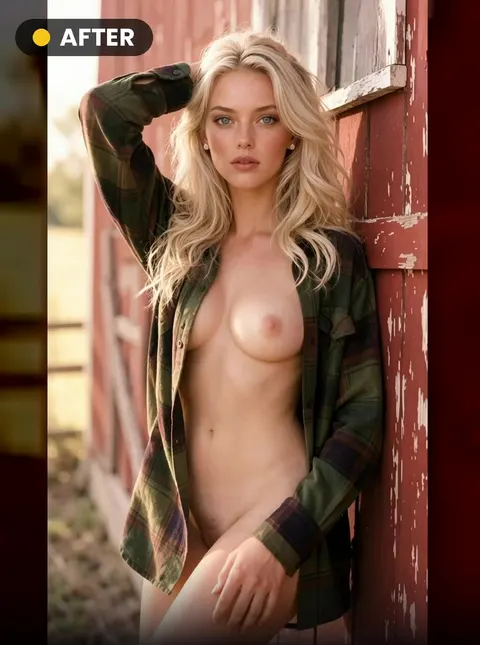
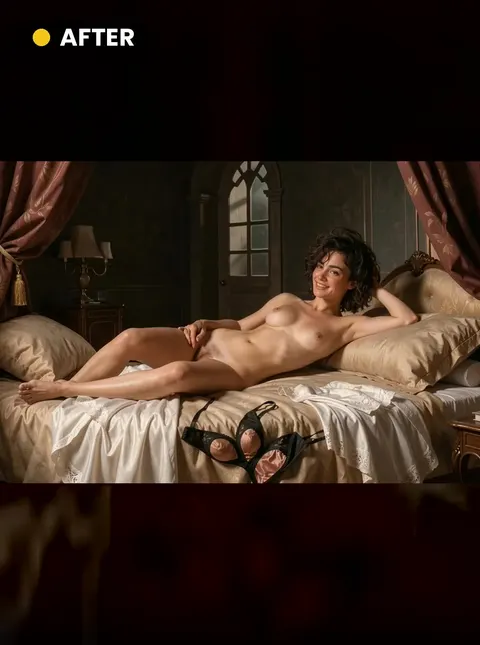
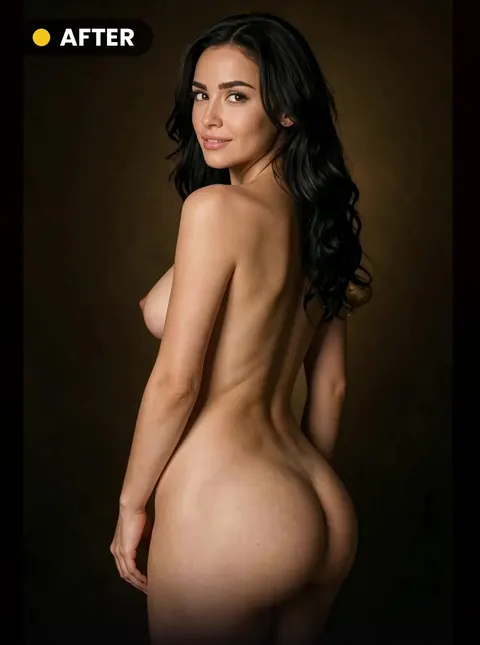
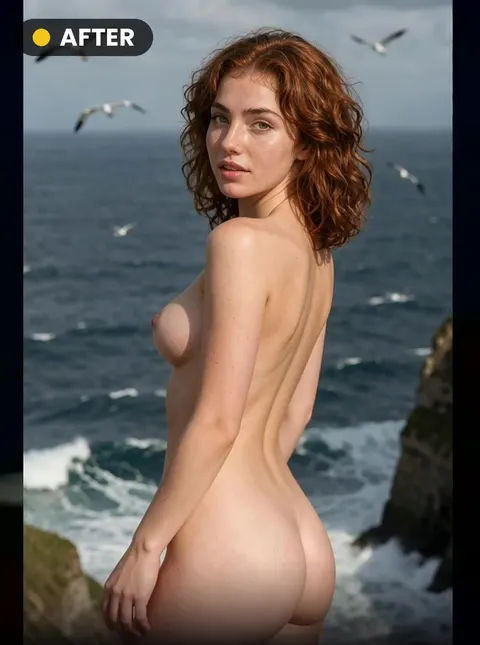
Undress — example output created with AIUndress — the input photo used for the exampleTry this style🔥🎬 5-15s❤️‍🔥 Undress30.2K createdLace — example output created with AILace — the input photo used for the exampleTry this style📷 100👙 Lace789 createdAfter Shower — example output created with AIAfter Shower — the input photo used for the exampleTry this style🔥🎬 5-15s💦 After Shower1.3K createdMorning — example output created with AIMorning — the input photo used for the exampleTry this style🎬 5-8s😎 Morning314 createdViking — example output created with AIViking — the input photo used for the exampleTry this style📷 100🪓 Viking51 createdMirror Selfie — example output created with AIMirror Selfie — the input photo used for the exampleTry this style🔥🎬 5-8s🪞 Mirror Selfie1K createdLeather — example output created with AILeather — the input photo used for the exampleTry this style🎬 5-8s🖤 Leather208 createdCleavage — example output created with AICleavage — the input photo used for the exampleTry this style🎬 5-8s💃 Cleavage281 createdBig — example output created with AIBig — the input photo used for the exampleTry this style🔥🎬 5-8s🍒 Big1.6K createdBeach Selfie — example output created with AIBeach Selfie — the input photo used for the exampleTry this style🎬 5-15s🏖 Beach Selfie228 createdWide Open — example output created with AIWide Open — the input photo used for the exampleTry this style🔥🎬 5-8s🔎 Wide Open2.8K createdPool — example output created with AIPool — the input photo used for the exampleTry this style🎬 5-8s↔️ Pool196 createdFloat — example output created with AIFloat — the input photo used for the exampleTry this style🎬 5-8s😇 Float184 createdLake — example output created with AILake — the input photo used for the exampleTry this style🎬 5-8s❤️‍🔥 Lake122 createdWet Sand — example output created with AIWet Sand — the input photo used for the exampleTry this style🎬 5-15s🏖 Wet Sand170 createdShy — example output created with AIShy — the input photo used for the exampleTry this style🎬 5-8s📸 Shy1K createdDress — example output created with AIDress — the input photo used for the exampleTry this style🎬 5-15s💃 Dress275 createdCorridor — example output created with AICorridor — the input photo used for the exampleTry this style🎬 5-8s😞 Corridor286 createdWalking Away — example output created with AIWalking Away — the input photo used for the exampleTry this style🎬 5-8s➡️ Walking AwaySheer Clothes — example output created with AISheer Clothes — the input photo used for the exampleTry this style🎬 5-8s🪟 Sheer Clothes574 createdWet Clothes — example output created with AIWet Clothes — the input photo used for the exampleTry this style🎬 5-8s💧 Wet Clothes134 createdSlipping Down — example output created with AISlipping Down — the input photo used for the exampleTry this style🎬 5-8s⬇️ Slipping Down208 createdShorts Down — example output created with AIShorts Down — the input photo used for the exampleTry this style🎬 5-8s🍑 Shorts Down197 createdSkirt Breeze — example output created with AISkirt Breeze — the input photo used for the exampleTry this style🎬 5-8s🫣 Skirt Breeze127 createdOnly Towel — example output created with AIOnly Towel — the input photo used for the exampleTry this style🎬 5-8s🧼 Only Towel130 createdOpen Back — example output created with AIOpen Back — the input photo used for the exampleTry this style🎬 5-8s🔄 Open Back347 createdBare Selfie — example output created with AIBare Selfie — the input photo used for the exampleTry this style🎬 5-8s🤳 Bare Selfie825 createdLegs Spread — example output created with AILegs Spread — the input photo used for the exampleTry this style🔥🎬 5-8s🦵 Legs Spread1.3K createdMountain Cabin — example output created with AIMountain Cabin — the input photo used for the exampleTry this style🎬 5-15s📸 Mountain CabinFlannel Shirt — example output created with AIFlannel Shirt — the input photo used for the exampleTry this style🎬 5-15s🧼 Flannel ShirtSilk Bed — example output created with AISilk Bed — the input photo used for the exampleTry this style🎬 5-15s🌙 Silk BedFine Art Back — example output created with AIFine Art Back — the input photo used for the exampleTry this style🎬 5-15s🔎 Fine Art BackSea Cliff — example output created with AISea Cliff — the input photo used for the exampleTry this style🎬 5-15s🪨 Sea CliffMorning Cigarette — example output created with AIMorning Cigarette — the input photo used for the exampleTry this style🎬 5-15s🚬 Morning Cigarette

How the AI undress styles work on a single photo

All 34 styles here follow the same rule: the face, hair, skin tone, pose and background of the photo you upload are kept, and only the clothing changes or comes off. Undress gives the most direct result, while Only Towel, Sheer Clothes, Wet Clothes, Lace, Open Back and Cleavage give softer variants, and Pool, Lake, Beach Selfie or After Shower place the same idea in a setting.

Every style can be created as a photo and most of them also as a short video with movement. A photo is usually ready in about 25 seconds and opens on the style page; the credit cost is shown there before you start, failed creations are refunded automatically and creations are kept for 7 days.
For the closest result upload a sharp, well-lit photo taken from the front, with the face fully visible and no heavy filter. A half-body or full-body photo helps the pose come out right.

Frequently asked questions

Is it free to undress a photo with AI?

Creating uses credits. The credit cost is shown on each style page before you start and is only charged for a successful creation; failed attempts are refunded automatically. Credit packs and their prices are shown when you buy credits, and purchased credits do not expire.

Can I undress a photo as a video?

Yes. On a style page that supports video, switch to Video and pick a duration; the same scene is rendered as a short moving clip. The credit cost of each duration is shown before you confirm.

Log in

Sign in or create an account

Your balance, creations and chats are kept in your account.
🎁 100 free credits on your first spin💳 We never see your card details

🎁 100 free credits on your first spin

Continue with Google

By continuing you agree to: Terms of Service · Privacy

🛡️ 18+ serviceTrouble signing in?

Sign in with Telegram

Open Telegram with the button below.
Confirm the sign-in in the bot. This page continues on its own.
Log in with your Telegram account — your balance and history connect to the site. Tap the button below, then confirm the login in the chat.

Open Telegram and confirm

No Telegram on this device? Sign in from the browser:

Continue with email

or

No password needed: we will email you a one-time code.